![3.2_logo_outlined_black.png]](https://help.shore.com/hs-fs/hubfs/3.2_logo_outlined_black.png?height=34&name=3.2_logo_outlined_black.png)
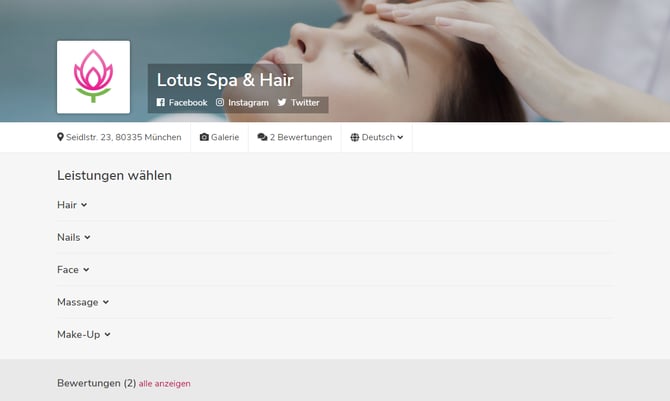
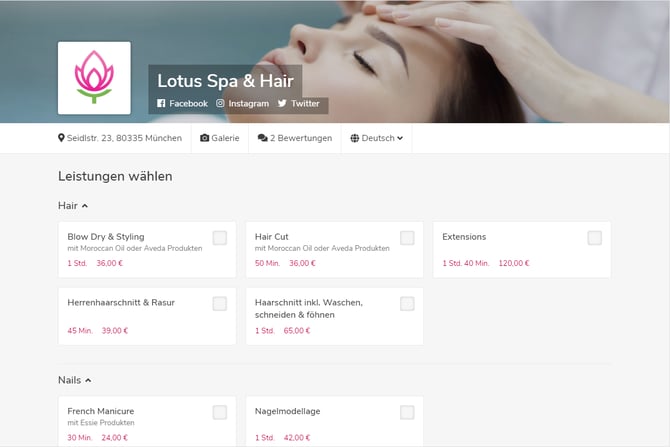
The Expand Service Categories option is a setting that affects how your services are displayed on your booking page. You can find this option under Settings > Booking Settings. Here's a direct link to your calendar's booking settings.
Tip: We recommend only enabling this option if you offer a small number of services. If you have a long list of services, your booking page will look clearer with service categories collapsed.
Examples
Booking Page with Expanded Service Categories
Booking Page with Collapsed Service Categories