![3.2_logo_outlined_black.png]](https://help.shore.com/hs-fs/hubfs/3.2_logo_outlined_black.png?height=34&name=3.2_logo_outlined_black.png)
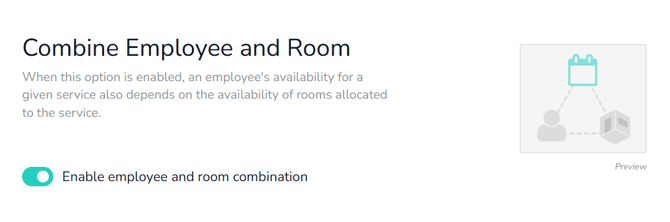
With the "Combine Staff and Rooms" option, you can link staff availability with resource availability.
Use this option if certain services can only be carried out when a) the required room/equipment is available, and b) multiple staff members offer this service.
You'll find this option under Setup > Calendar Settings > Booking Settings. Here's a direct link to your calendar's booking settings.
Example
Staff Member A and Staff Member B both offer Service XY. Service XY can be carried out in Room A, but not in Room B. Staff Member A and Staff Member B have the same working hours, so they're both available for online booking at the same time.
In this case, it makes sense to combine staff and room availability. For online bookings, the system checks whether both a staff member and the required room are available at the same time.
Important: For appointments you create yourself, make sure to enter the desired staff member and the required resource in the appointment, so that resource availability is displayed correctly.