![3.2_logo_outlined_black.png]](https://help.shore.com/hs-fs/hubfs/3.2_logo_outlined_black.png?height=34&name=3.2_logo_outlined_black.png)
In request mode, booking requests need to be answered. After 7 days, unanswered booking requests are automatically deleted from the system. Please make sure to respond to booking requests promptly so your customers aren't left waiting.
You'll be notified of booking requests by email. You'll also receive a notification within the system.
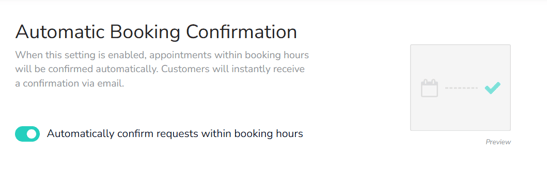
Your customers can also book binding appointments directly. To enable this, activate Automatic Booking Confirmation.
- Click your profile (your name in the top right), then click Settings.
- Click Booking Settings.
- Under "Automatic Booking Confirmation," enable the toggle Automatically confirm requests within your booking hours.
- Finally, click Save Changes.
Note: Even in automatic confirmation mode, you'll still be notified of bookings by email.